Security boundaries
Designed to reduce clipboard risk, not pretend it disappears.
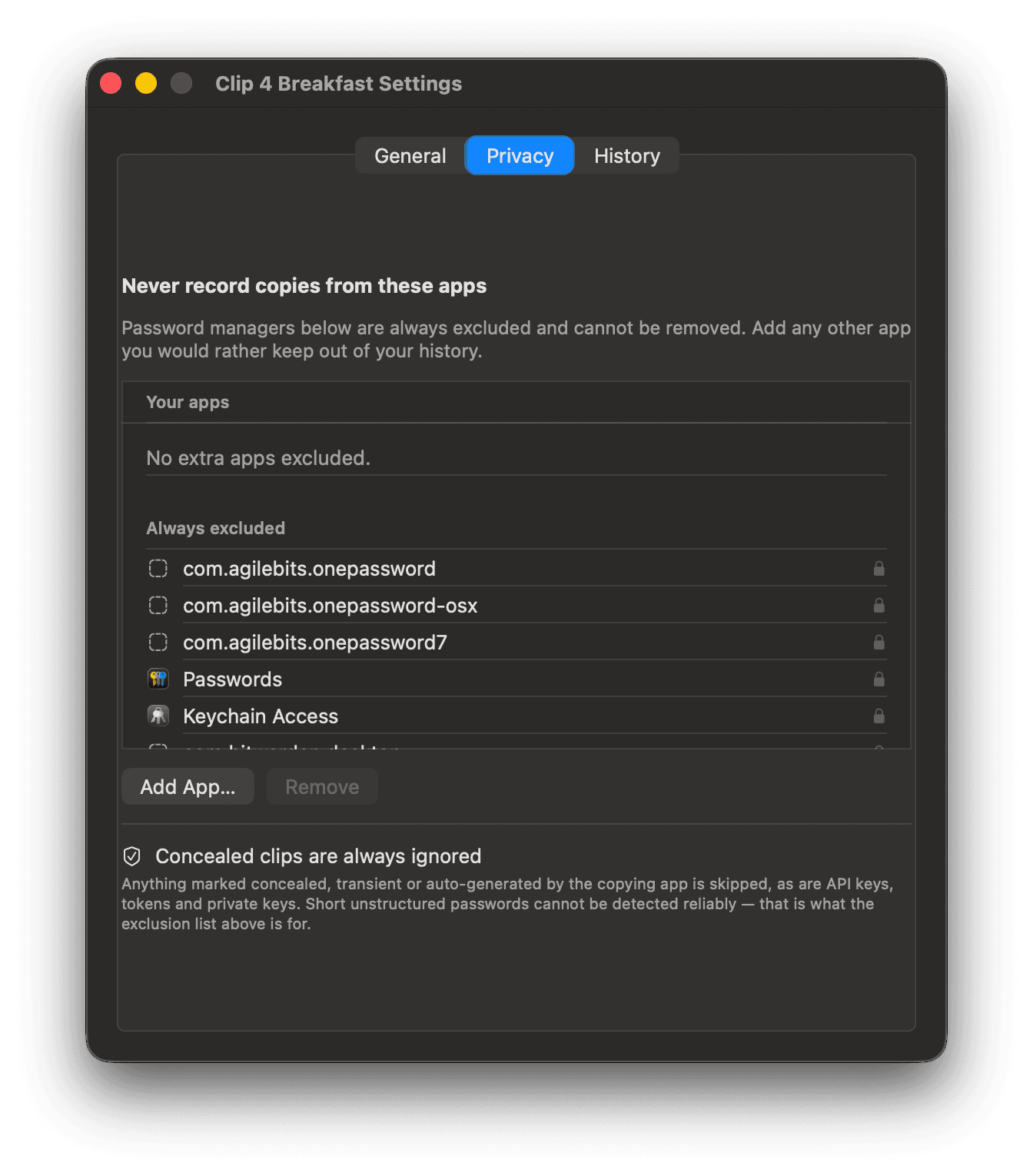
The security model combines pre-storage filtering, local file protections, bounded payload handling, and graceful permission behavior.

Stored data
History uses a local SQLite database with mode 0600. Managed image storage uses a user-only directory. Image paths are checked before reads so a tampered record cannot escape the managed directory.
Context Pack boundaries
A Context Pack accepts up to 20 items and 512 KiB of rendered UTF-8 text, with an instruction capped at 2,000 UTF-8 bytes. It is memory only and cleared when clip 4 breakfast quits. File entries contribute paths only. Image entries contribute metadata only, not embedded payloads.
Safe Paste boundaries
Safe Paste scans supported text locally up to 512 KiB of UTF-8 text. Findings require review before Paste Redacted. The saved clip and source Context Pack remain unchanged. Cancellation, selection changes, pack edits, and launcher closure invalidate stale asynchronous scan results so an earlier result cannot be applied to newer content.
Detection is bounded
Safe Paste checks a bounded set of structured secrets and home paths. It cannot reliably identify every password or one-time code. No network requests, AI services, OCR, analytics, or remote logging are used by this feature.
Paste permissions
Global recall and capture do not require Accessibility. Without Accessibility, Return copies the selected clip back to the system clipboard and explains that Command-V completes the paste. The app does not claim a direct paste when macOS has not granted it.
Oversized providers
A signed one-shot helper materializes provider-backed content outside the permanent process. It has a watchdog, timeout, and physical-footprint limit. An oversized item can remain on the system clipboard while Clip 4 Breakfast declines to retain it.
Not a sandbox
The helper contains memory retention. It does not claim to sandbox malicious clipboard providers from the user account. Direct distribution also requires explicit notarization and Gatekeeper verification before release.
Reporting a concern
Contact kapisch@icloud.com. Describe the behavior and macOS version. Do not include passwords, tokens, private keys, or sensitive clipboard content.
Boundaries in the product
Work with limits you can inspect.
Download the macOS app to use the local-first workflow and configure its clipboard boundaries for your work.